


How do you share the delivery note upload link with drivers?
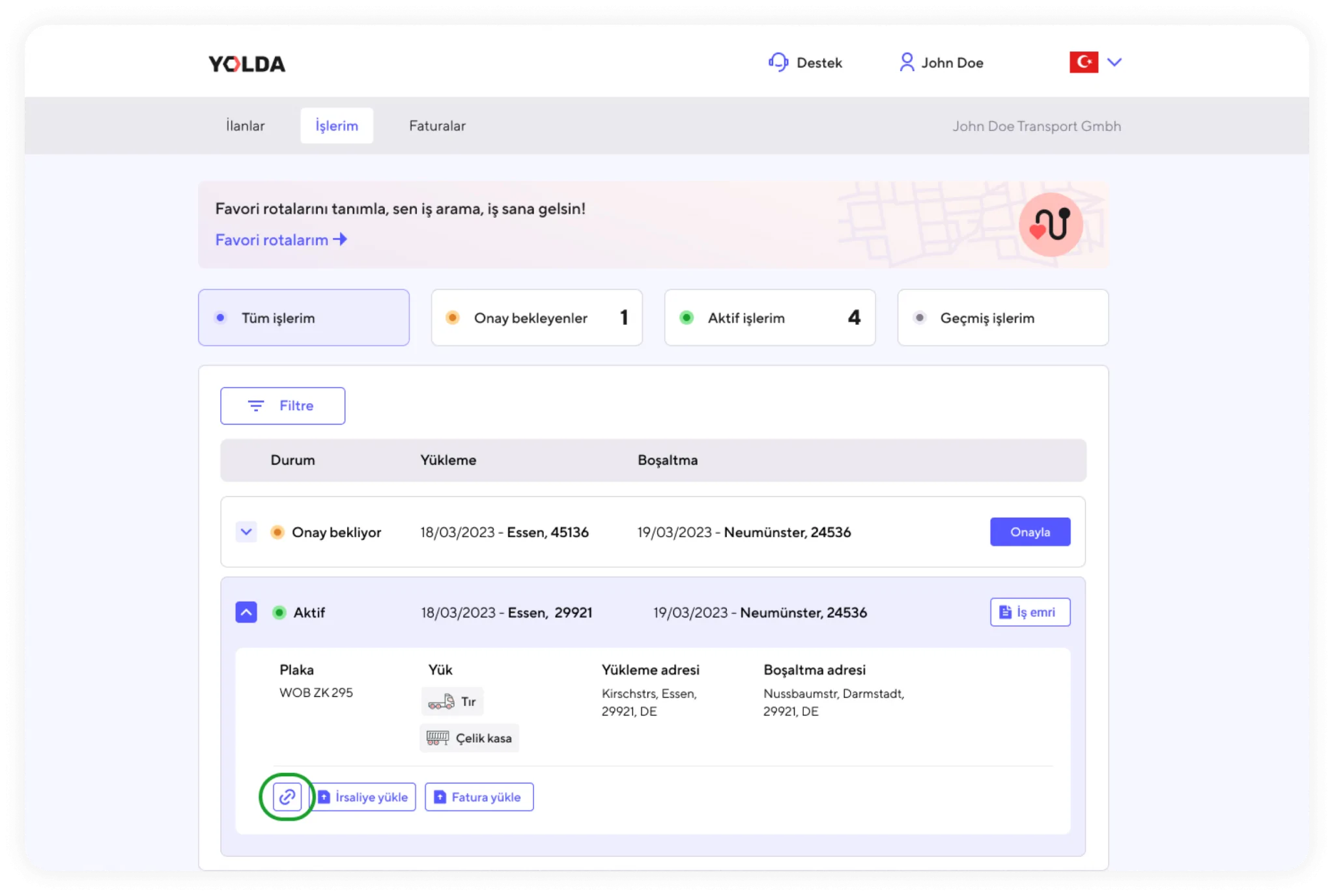
1. For each row listing ‘Active’ jobs, you will see a link copy button marked on the right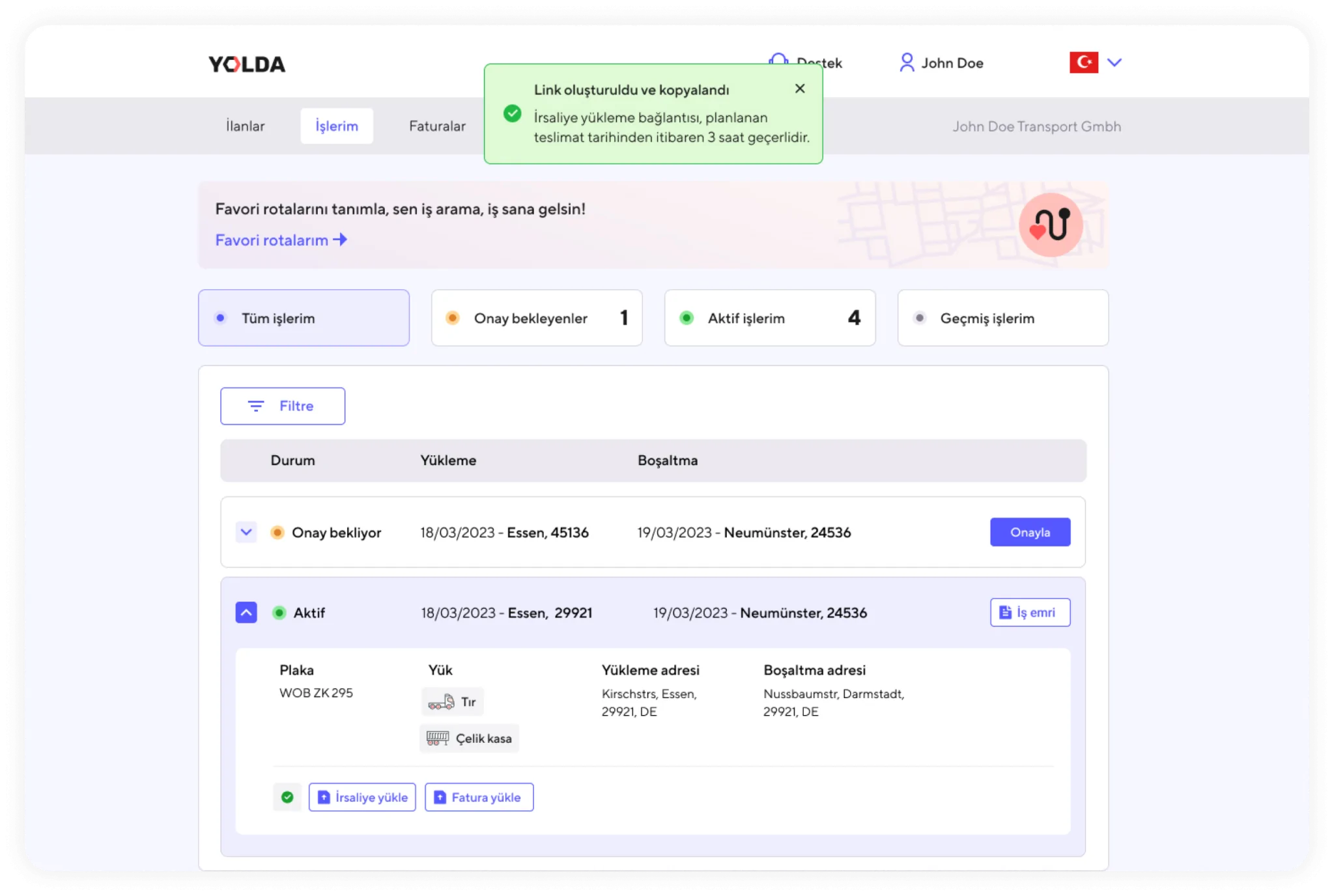
2. After clicking this button, you can select ‘Create and Send Delivery Note Upload Link’ to generate and copy the delivery note upload link.
3. You can now share this link with any user or driver via email or WhatsApp.
4. The delivery note upload link is publicly accessible and is generated in an open format. After it is created, the link will be valid for 3 hours. After 3 hours, you will need to generate and share the link again.