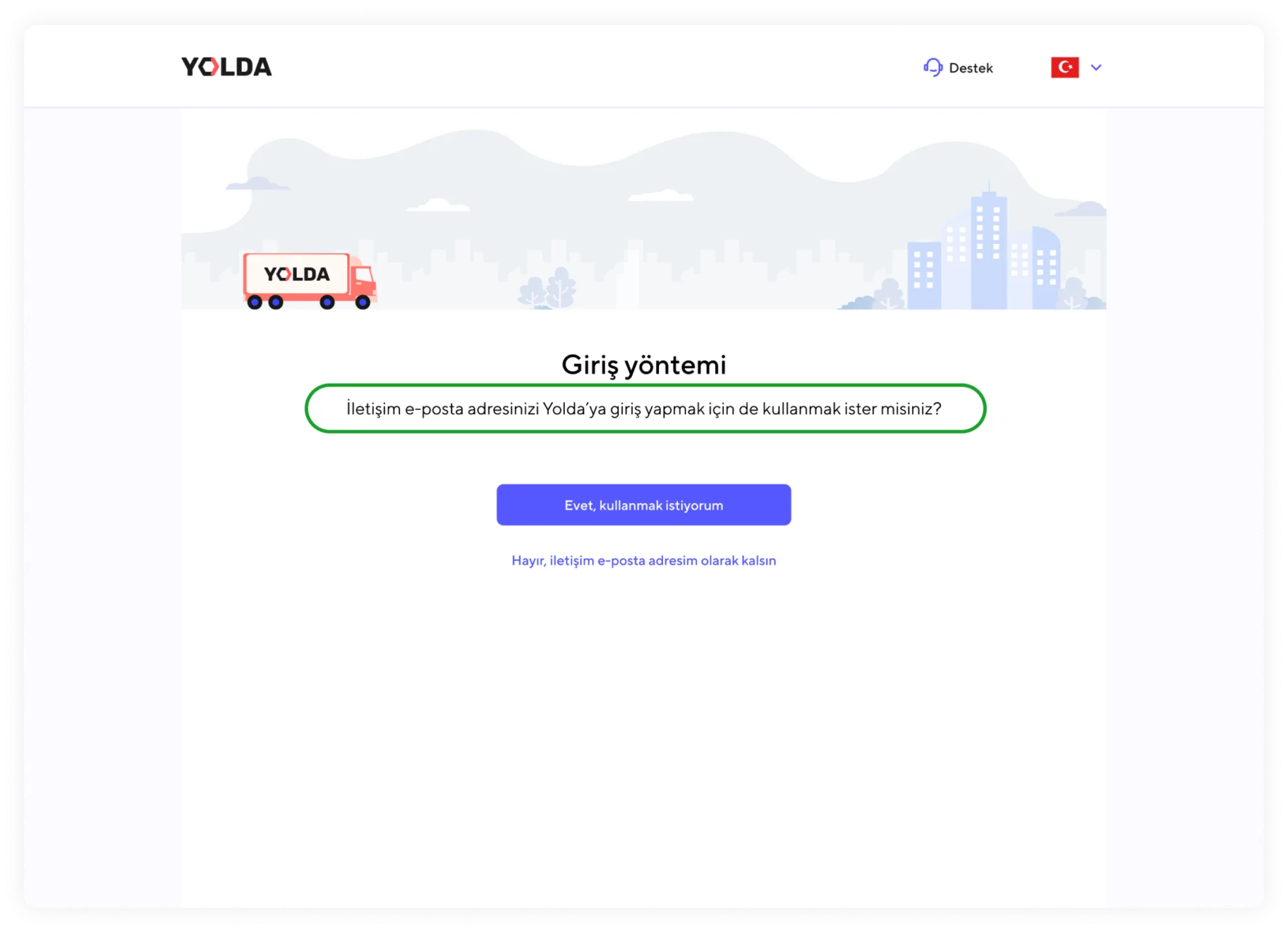
How to register for the Yolda Carrier app?
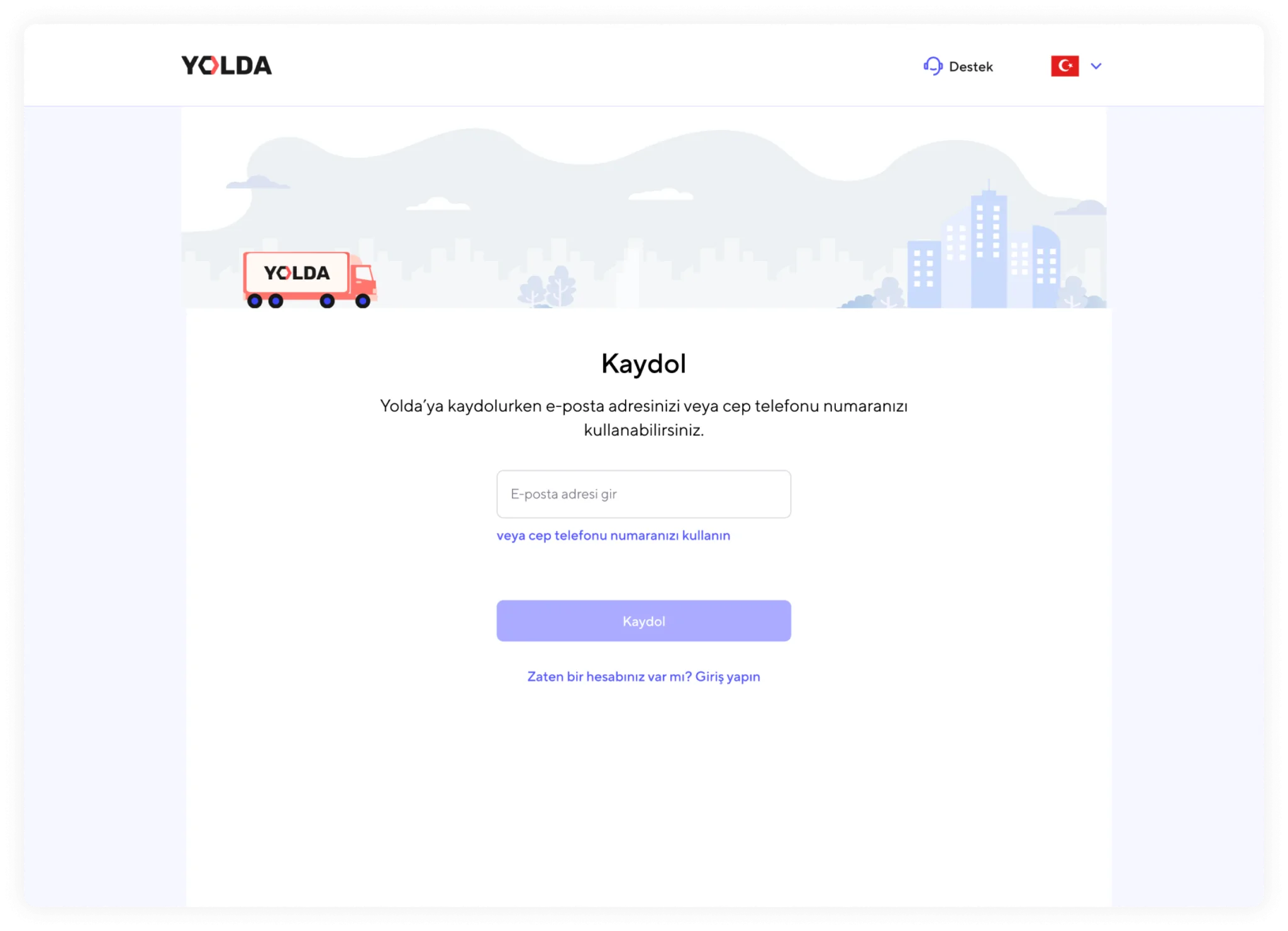
1. Click the link below to access the registration screen.
Register with your phone number:
https://carrier.yolda.com/sign-up/phone-number
Register with your email address:
https://carrier.yolda.com/sign-up/email
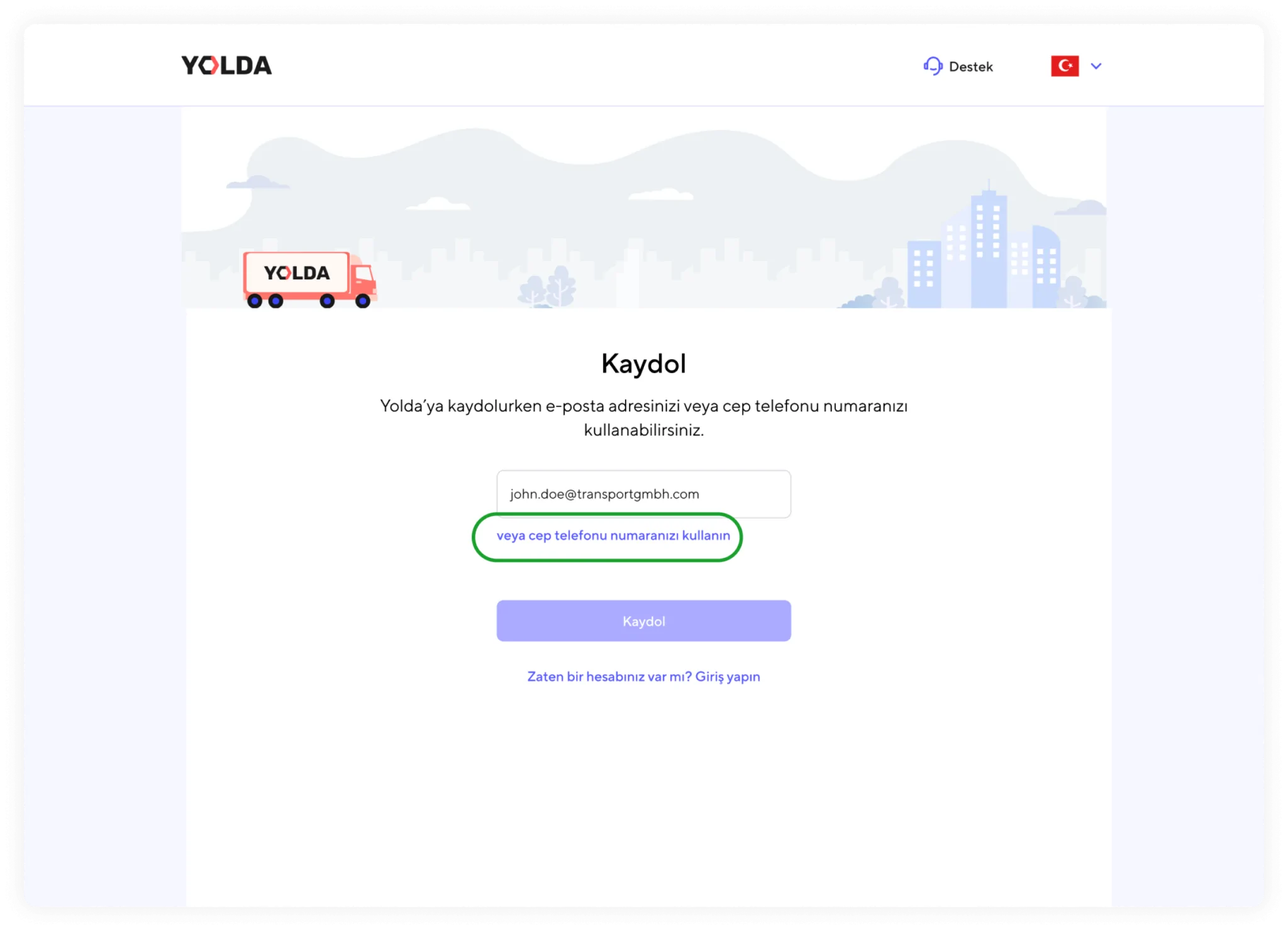
2. You can register on Yolda using either your phone number or email address. First, you need to choose which method you prefer. If you want to change the registration method, you can use the ‘or use your email address’ or ‘or use your phone number’ links.
3. Select the country where your company is located, agree to the terms and conditions, and verify your email address or phone number. This will complete the first step of your registration on Yolda
Enter your personal and company information
4. Add your personal information, company details, and required documents step by step.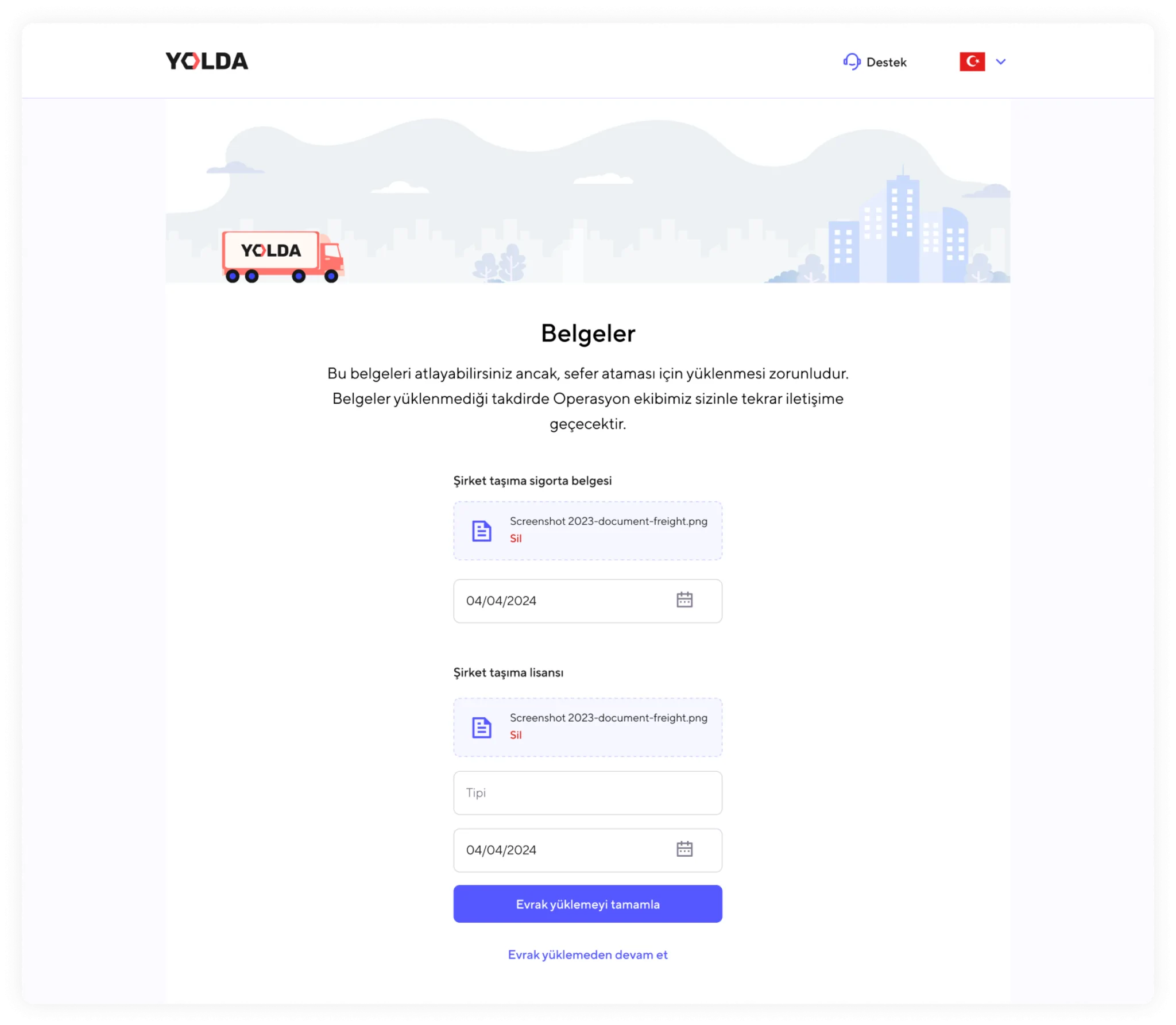
5. The ‘Company Transport Insurance Certificate’ and ‘Company Transport License’ are mandatory documents that you need to upload for Yolda to assign loads to you. At this stage, you can skip uploading these documents, but if not uploaded, the Yolda Operations team will contact you to request them.
Almost done