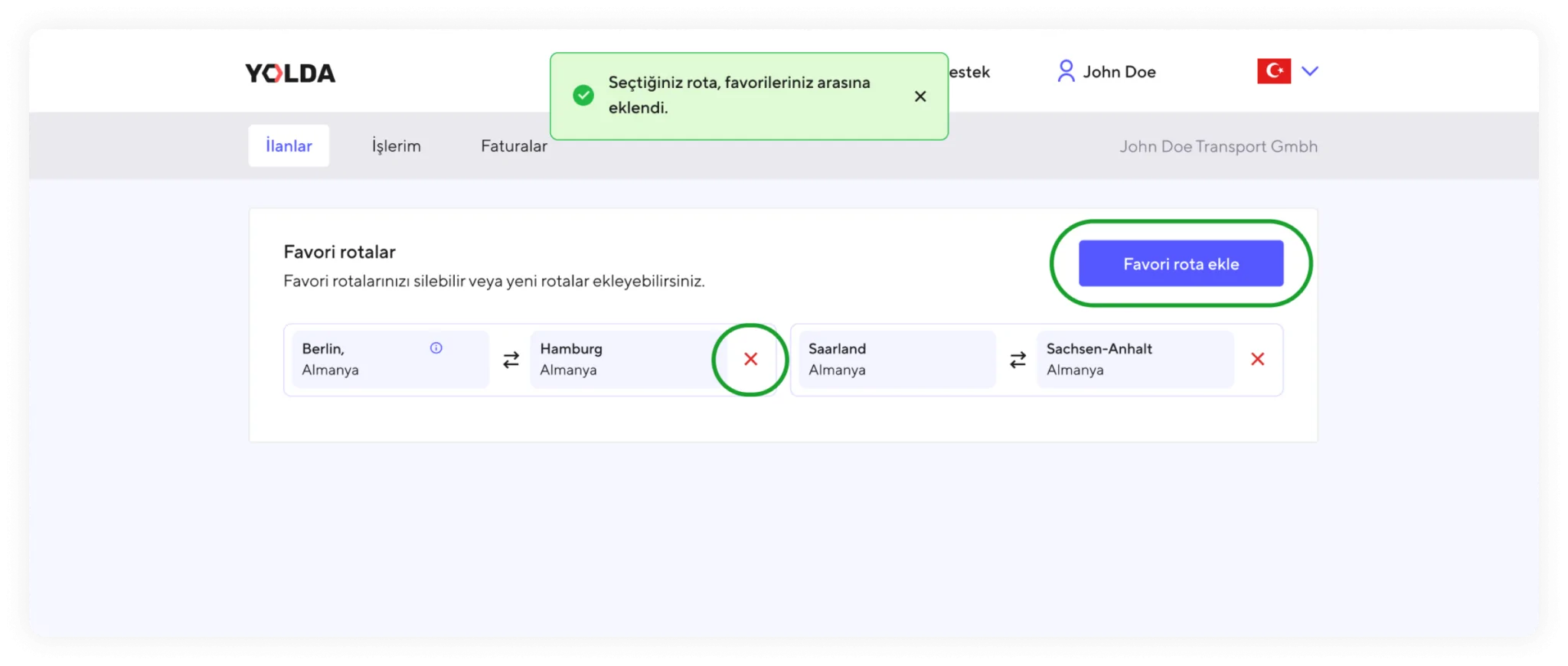
Add your favorite routes, stop searching for jobs – let the jobs come to you!
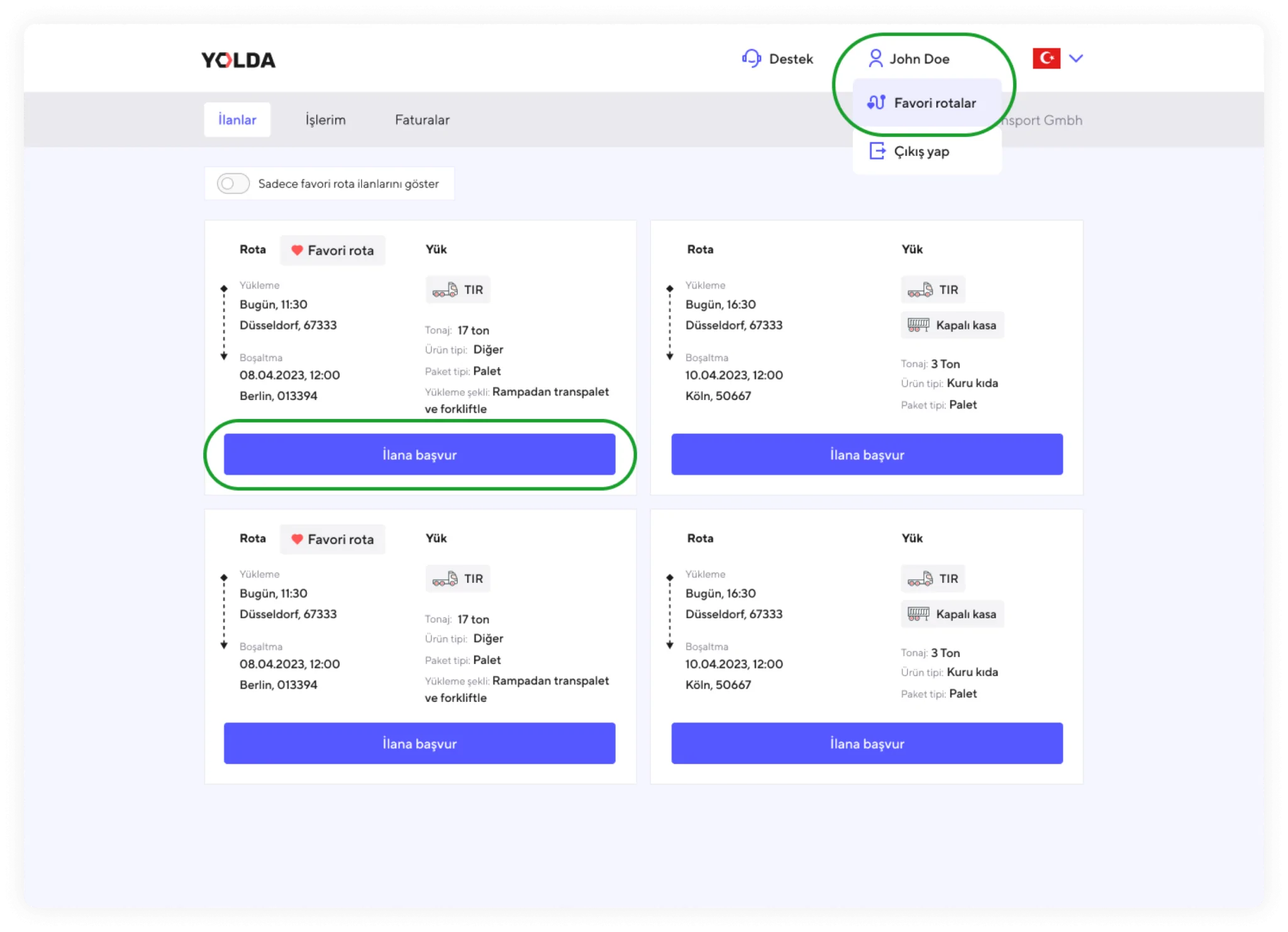
1. If you don’t want to miss any suitable offers, you can add new favorite routes or edit your existing ones. To do this, click on your profile name in the top menu and select ‘Favorite Routes’ from the dropdown menu.
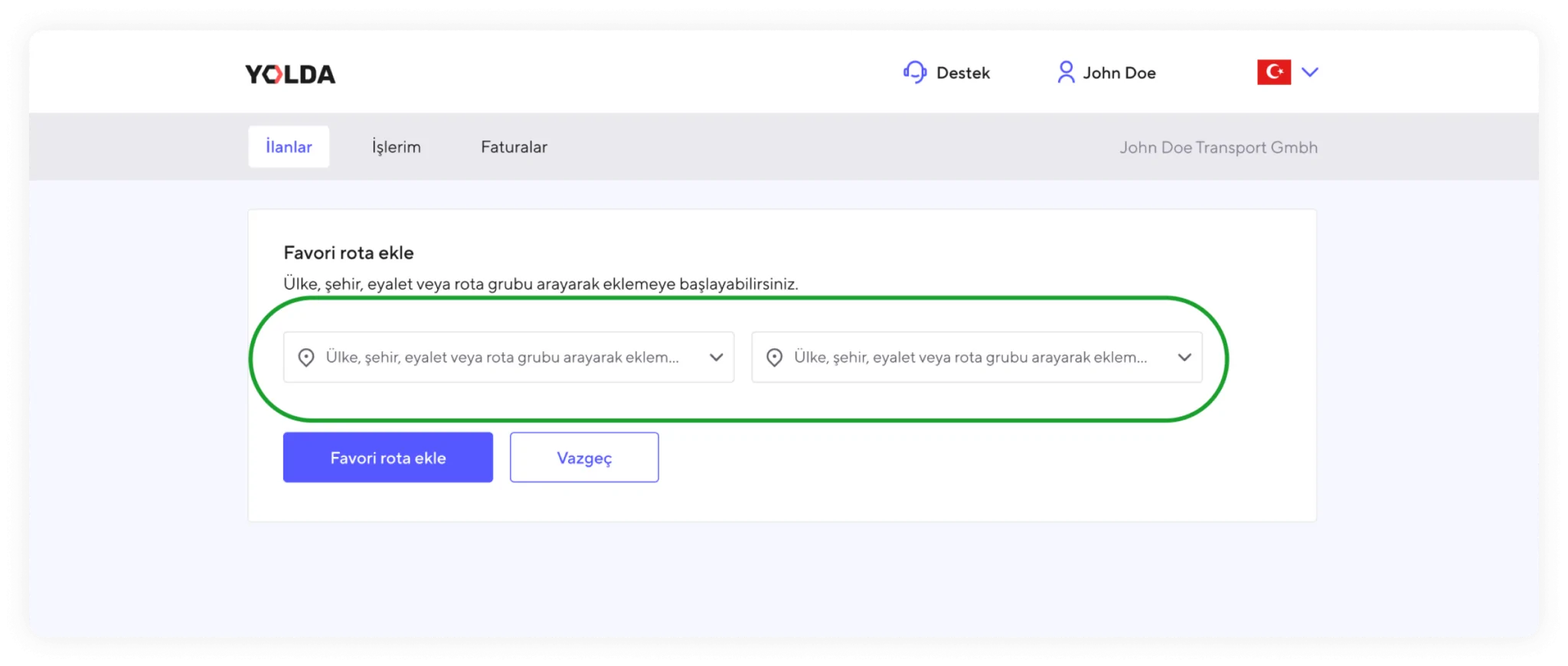
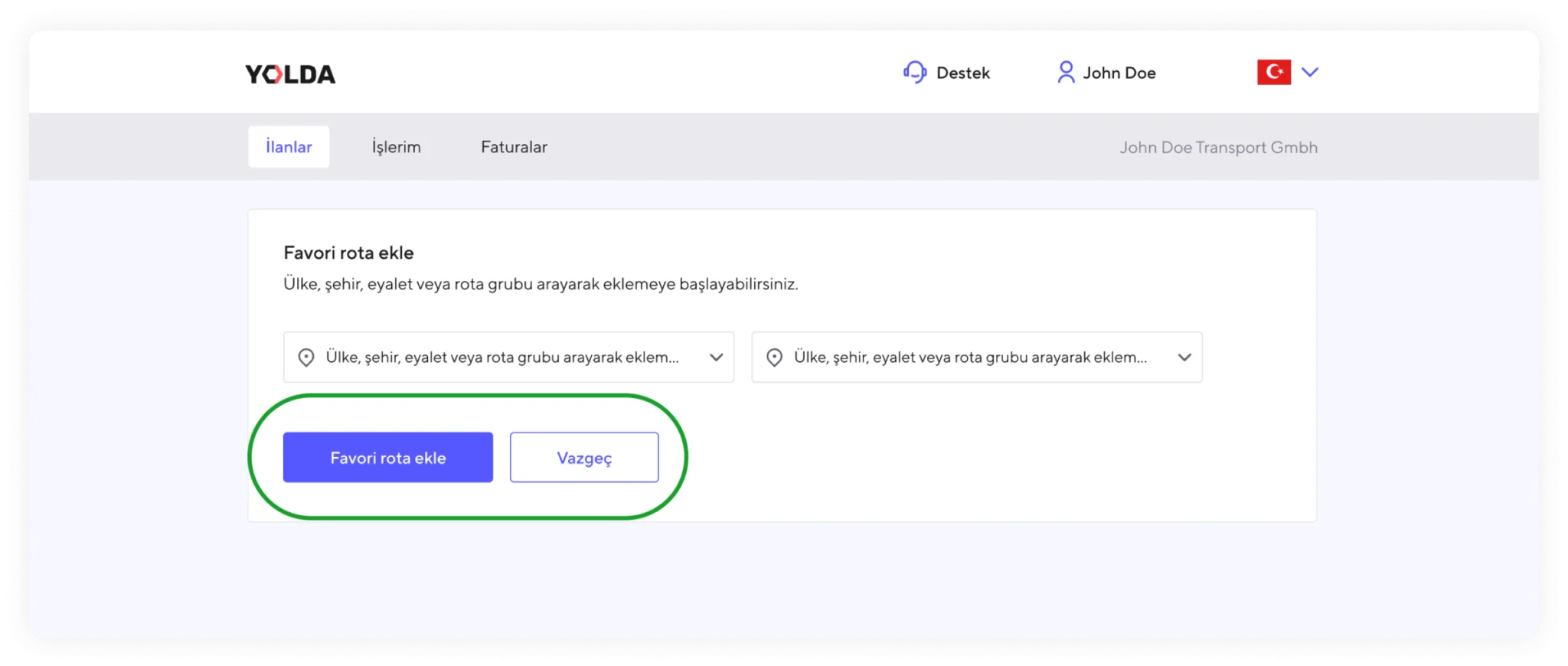
2. On the opened page, you can select the country, city, state, or pre-defined route groups created by Yolda for both outbound and return journeys.
3. Each route selection is saved as a round-trip in your favorite routes.